Hear that a critical plant went dark the day the imagery shows it.
Supply Disruption Alerts looks at the plants on your watch list once a day and files a dated alert when the yard empties, the gate queue stalls, or smoke or floodwater shows up, tagged with the part that site makes.
- GSD
- ≤0.5 m (VHR)
- Cadence
- Daily
- Platform
- VHR satellite / aerial
- Spectral
- RGB
- Scope
- Your named sites only
How you find out today
Your control tower holds a list of critical sites, the single-source plants where a bad week stops a line somewhere else. Each one is mapped to the part or material it makes. News alerts and a risk feed catch the loud events. The rest reaches you the slow way: the supplier's account manager calls once they have a story to tell, or the first sign is a short shipment, a missing ASN, or a plant manager at your own site asking where the castings are.
By then the quiet days have already gone. Planning is expediting against a plant that stopped days ago, and procurement is asking the supplier for a restart date the supplier doesn't have yet. A client escalation that lands before your own alert is the worst version, because you learn the news from the person you owe parts.
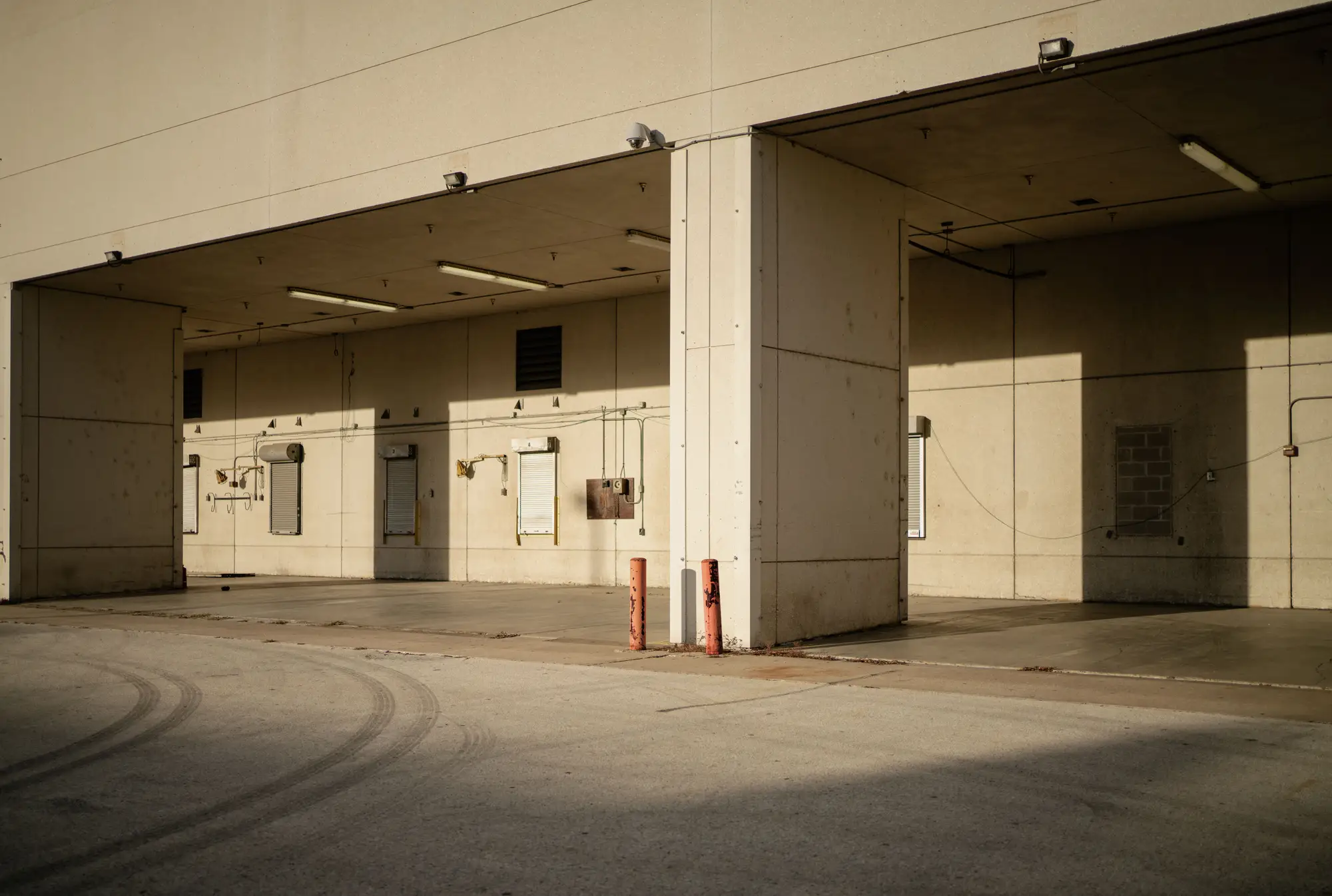
The yard tells the story earlier. A busy plant has trucks at the docks, stock outside, a line at the gate. When that stops, it shows from above on the next clear pass. We watch your named sites for exactly that change, and file it as a dated alert. The call you make then starts your escalation before a client has to start it for you.
What gets filed
Dated alert
Email, Slack post or CSV line
One entry per event: the date, the site, and what changed in the yard, the gate queue or the buildings, written in plain words. No score and no confidence number. It lands in the log your team already keeps.
Part tag
Field on every alert
Each alert carries the part or material that site makes, so the person reading it sees part exposure without opening a spreadsheet to look the plant up.
Watch list
Your list, your sites
You name the plants. Nothing outside the list is monitored, and a site can be added or dropped when your critical list changes.
How it works
Name the sites
You send the critical plant list: site name, address or coordinates, and the part or material each one makes.
File the alert
When a change is clear, a dated alert is filed the same day it shows in the imagery. Quiet sites stay quiet; no alert means no clear change was seen.Limit 5
Where it fits in your workflow
Ahead of the escalation
An alert here is the trigger for the incident process you already run. It doesn't replace the call to the supplier, the check on stock cover, or the decision to expedite or switch source. It puts a dated entry in front of the control tower earlier, and the entry goes into the same log your team already keeps.
Who it's for
For
- Control tower leads and supply chain risk teams with a named list of critical sites
- Teams that already log disruptions and run an escalation process
- Buyers with sole-source or long-lead plants where a late warning costs expedite money
Not for
- Monitoring a whole supplier base or every tier; it covers the sites you name
- Live or continuous tracking of shipments, vessels or trucks
- Reading financial health, sanctions, labor disputes or news
- Anyone expecting a guaranteed alert before a competitor hears
Questions before you join the list
Is this real-time?
No. It is one imagery pass per site per day. An event between passes is caught on the next one.
What counts as a collapse?
A clear, visible change in yard activity, gate queue or damage against the site's own recent baseline. We don't publish a numeric threshold.
Does cloud cover break the watch?
A cloudy day can delay that site's alert to the next clear pass.
Is this available today?
It is an early-access watch list. Request a place and we'll talk through scope for your sites.
How do we check it against what we know?
Put a few sites on the list where you already know the plant's rhythm, including a holiday shutdown if you have one. See whether the entries match what your own people tell you.
How do alerts reach us?
We expect to send them by email, Slack or CSV, and we'll agree the route with you. We don't write into your control tower platform.
Do you tell us why a plant stopped?
No. The alert says what changed in the imagery. Cause and duration come from the supplier and your own people.
Who owns the alerts and the imagery?
Ownership and license terms are written into the agreement before anything starts. Ask for them early if your legal team needs to review.
How is it priced?
The quote depends on how many sites you name and how they are covered. We scope it with you, and there is no number on this page.
Put your critical sites on the list.
Tell us which plants you would watch first and where the alerts should go. We'll say plainly whether the early-access list fits.
Request early access